Case · CLI tool · Python
logslice: log analysis with no dependencies
A Python 3.11+ CLI on the standard library only: it streams nginx/apache (combined), JSON-lines, logfmt and syslog logs (gz, bz2, xz too), computes statistics and tops, clusters similar errors, finds load spikes by z-score and EWMA and builds a single HTML report with SVG charts and a heatmap. A side project.
- Python
- stdlib only
- CLI
- SVG
- pytest
- ruff
- mypy
- GitHub Actions
- Docker
01 · How it looks
Screenshots
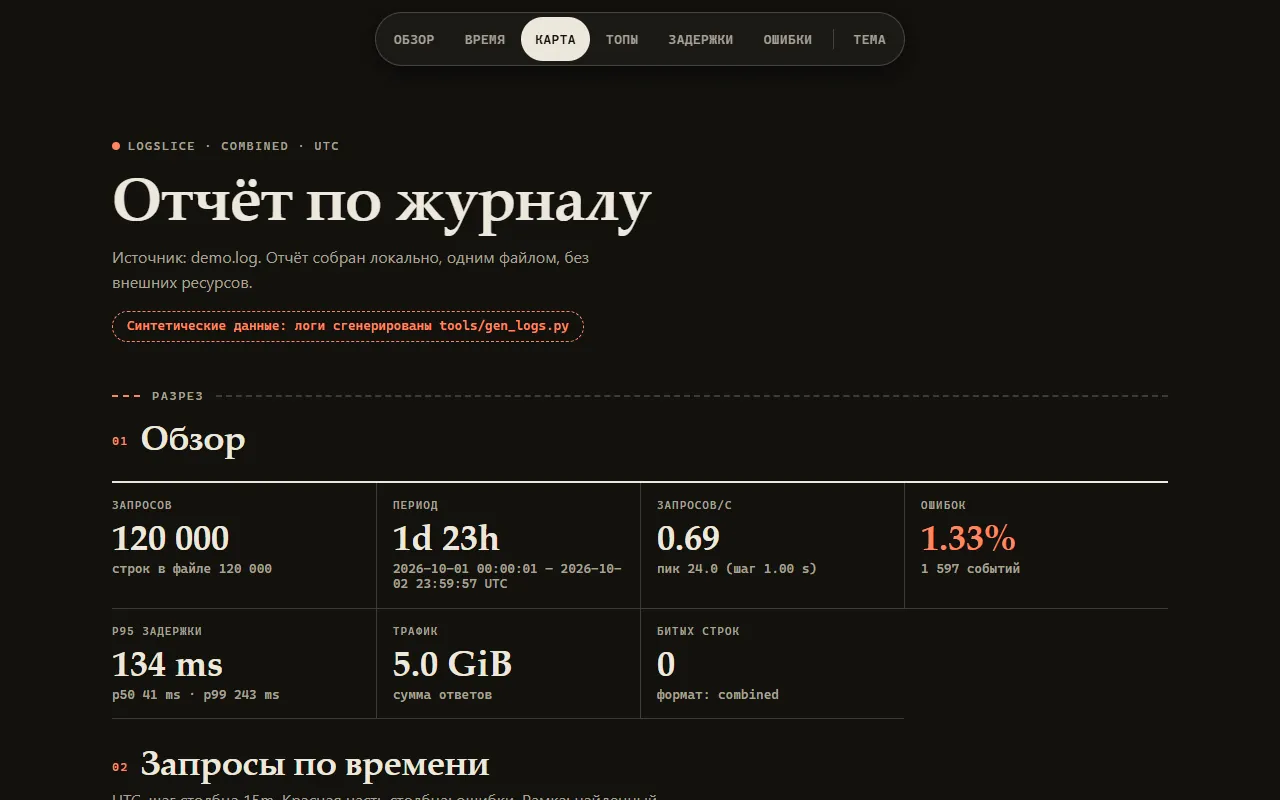
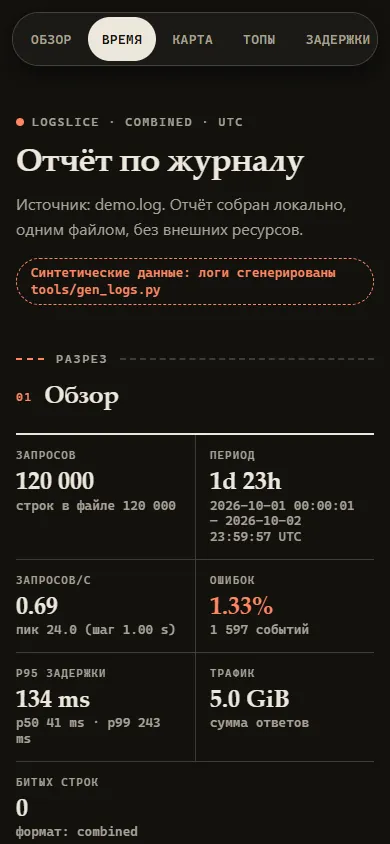
02 · About
What it is and why
logslice is a Python console utility for log analysis: it reads nginx/apache combined, JSON-lines, logfmt and syslog, including gz, bz2 and xz compressed files, and shows statistics, tops, clusters of similar errors and load spikes. A side project.
Python 3.11+ standard library only: installing downloads nothing. A file is read as a stream, so the memory holds counters rather than lines; errors are grouped by a template with numbers and identifiers normalized, and anomalies are found with a statistical threshold (z-score or EWMA). The result is the same for the terminal, JSON and HTML.
Limitations
There is no live version: it is a console utility. The screenshots were taken on synthetic logs with fictional addresses from documentation ranges.
Times are shown in UTC. Auto-detection looks only at the first 300 lines and one format per input. Anomalies are a statistical threshold without seasonality: noisy data gives weak hits.
Parsing runs in a single thread. The speed was measured once, on one machine: other hardware and systems will give other numbers.
serve is not meant for the internet: HTTP without TLS or authentication, loopback only.
What is inside
- The commands stats, top, errors, slice, anomalies, report and serve; common flags --format, --from/--to (ISO, epoch or -90m), --json, --color, exit codes 0/1/2/3/4/130
- Formats: nginx/apache combined, JSON-lines, logfmt, syslog (RFC 3164 and 5424) with auto-detection from the first 300 lines; gz, bz2 and xz by magic bytes, with limits on line size, volume and compression ratio
- Clusters of similar errors by template: count, share, interval and examples
- Anomalies: RPS spikes and drops, error spikes, the zscore and ewma methods with a configurable window and threshold
- A single-file HTML report with no external requests: requests over time, a weekday × hour heatmap, tops, a latency distribution, error clusters; a strict CSP, light and dark themes, a table alternative for every chart
- serve shows the same report on 127.0.0.1 with Host and Origin checks; the page is closed to indexing by default
- 53 tests, ruff, mypy --strict; hypothesis property tests, poison lines, a gzip bomb, XSS and ANSI injection in the output; axe at 390 and 1280 px: 0 violations
- One run on 1 million combined lines (Windows 11, CPython 3.12.10): 8.2 s (about 122 thousand lines/s), peak memory 64 MB
03 · How to run
Run it locally
git clone <repository on request> logslice
cd logslice
python -m venv .venv && .venv/bin/pip install .
logslice report access.log -o report.html04 · Code
The repository is private
The source is in a private repository. Message me on Telegram and I will open access.
Request the code