Case · CLI tool
GitPulse: git repository analytics
A Go CLI that analyzes git repositories with no external dependencies (only git is needed): stats with colors and sparklines in the terminal, report, a self-contained HTML report with an activity heatmap, churn and hot files, author contributions, bus factor per directory, code growth by language and quiet periods (light and dark themes), diff-hotspots between revisions and a local serve on 127.0.0.1. History is read as a stream through git log -z --numstat -M. A side project.
- Go
- stdlib only
- CLI
- git
- html/template
- SVG
- ANSI
- os/exec
- GitHub Actions
- Docker
01 · How it looks
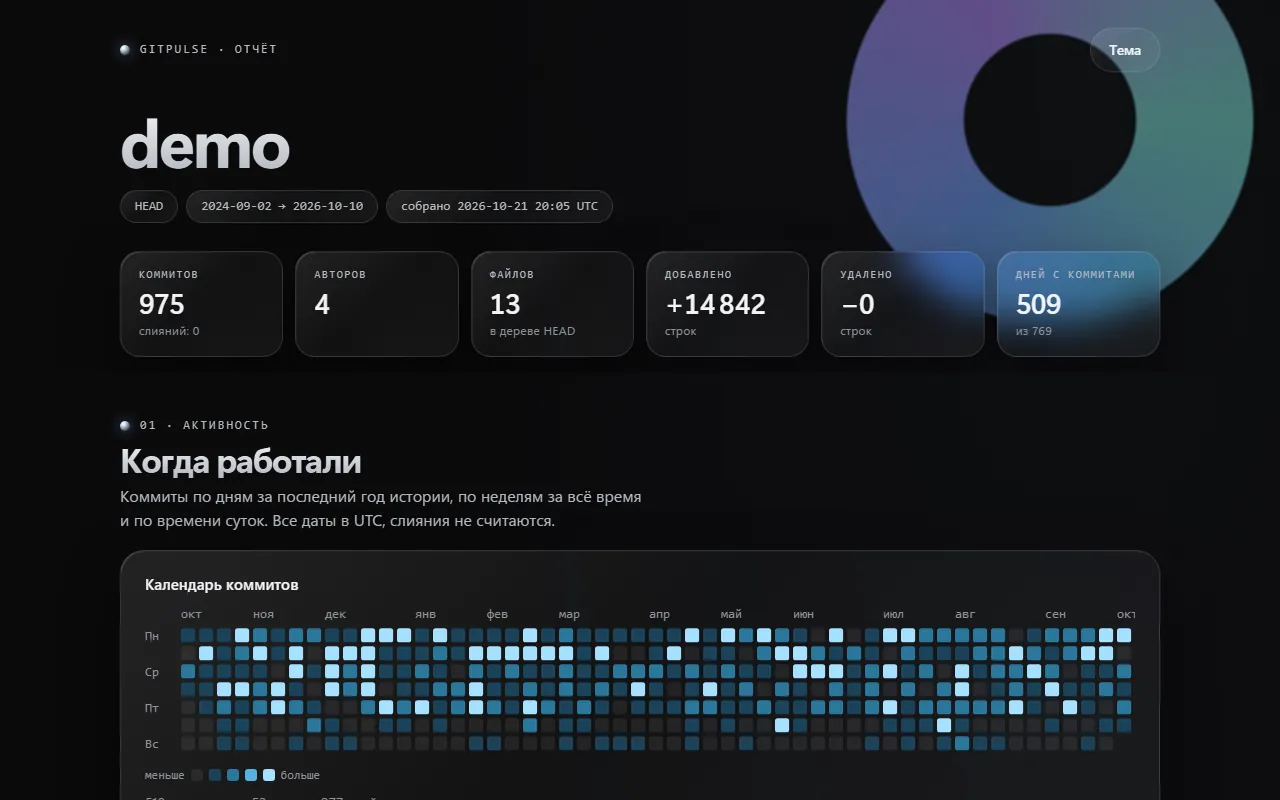
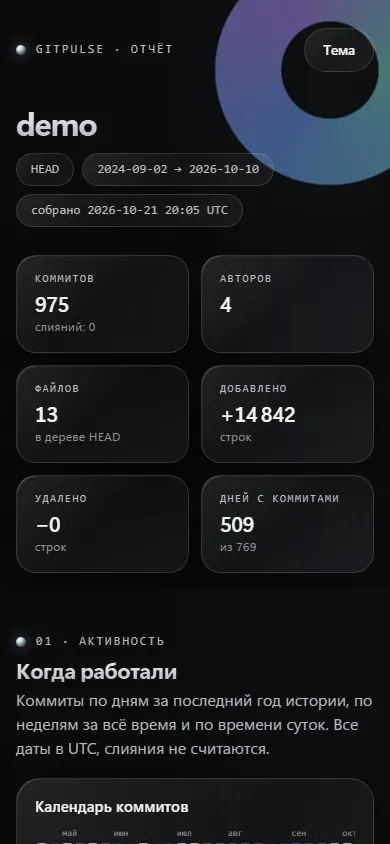
Screenshots
02 · About
What it is and why
GitPulse is a console utility in Go for analyzing git repositories: from the commit history it shows where the work is happening, which files change most often, who contributed how much and in which directories the knowledge rests on one person. A side project.
Go standard library only, with a single external binary: git. History is read as a stream through git log -z --numstat -M (via os/exec): no own packfile parser was written, because .mailmap, shallow clones and rename detection are needed and git already solves them reliably. The result is the same for the terminal, HTML and JSON.
Limitations
Git must be installed. Time is the author's UTC time, the author's time zone is not taken into account; merges are not analyzed, so work visible only in a merge is lost.
Language growth is an estimate of "added minus removed" by extension, not a snapshot of the tree. Bus factor and risk are heuristics over line counts in commits, not real knowledge of the code; refactorings and mass edits distort them.
Memory grows with the number of files and authors; very large repositories need -max-commits and -since. -json includes author e-mails and the HTML does not, but names are in the report, so review it before publishing.
Tests do not run on macOS in CI (no runner was available) and darwin is cross-compiled; tests with -race run only in CI; the Dockerfile was not verified.
What is inside
- The stats command: a summary, weekly activity with sparklines, churn, hot files with risk, authors, bus factor, commit sizes, languages and quiet periods in the terminal with colors and ANSI (NO_COLOR and -color auto|always|never are honored)
- The report command: a self-contained single-file HTML report with no external requests: an activity heatmap, churn, author contributions, bus factor per directory, code growth by language, quiet periods, light and dark themes, SVG charts
- The diff-hotspots <rev1>..<rev2> command: hot files and author contributions inside a revision range
- The serve command: the report in a browser on 127.0.0.1 (loopback addresses only), a Host header check against DNS rebinding, CSP, a cached result, /api/stats and /healthz
- A streaming parse of git log -z --numstat -M: one commit lives in memory, paths with tabs and Cyrillic do not break, renames are followed (the history of the old path is credited to the new one), and .mailmap is honored through %aN/%aE
- The flags -json, -since, -until, -max-commits, -top, -depth, -include-generated, -quiet and -color; lock files, vendor/, node_modules/ and min files are skipped by default; exit codes 0/1/2/3/130
- Tests build synthetic repositories through git and compare the metrics with precomputed numbers; a golden test of the HTML structure and a check that the report is self-contained and escaped
- Cross-builds for windows, linux and darwin with scripts/build.sh, CI in GitHub Actions and a Dockerfile; a synthetic history of 100,000 commits is analyzed in about 5 seconds
03 · How to run
Run it locally
git clone <repository on request> gitpulse
cd gitpulse
go run ./cmd/gitpulse stats .                   # tables in the terminal (git must be in PATH)
go run ./cmd/gitpulse report -o report.html . # a single-file HTML report04 · Code
The repository is private
The source lives in a private repository. I will grant access on request: write to me and I will send an invitation.
Request the code